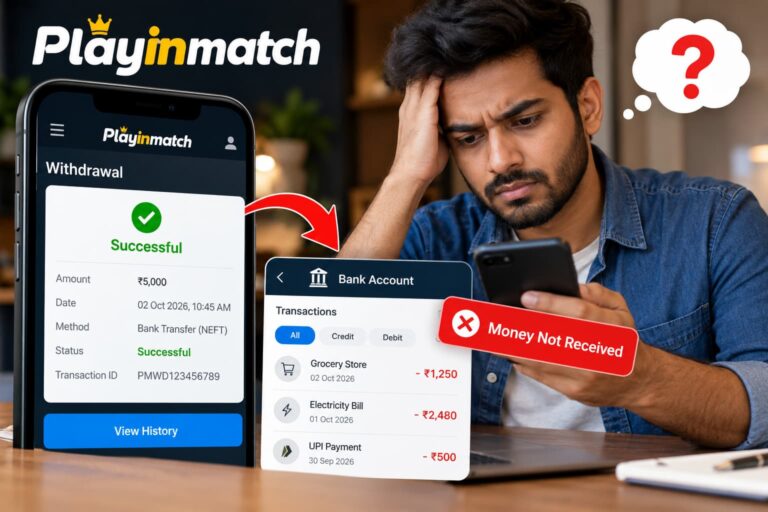
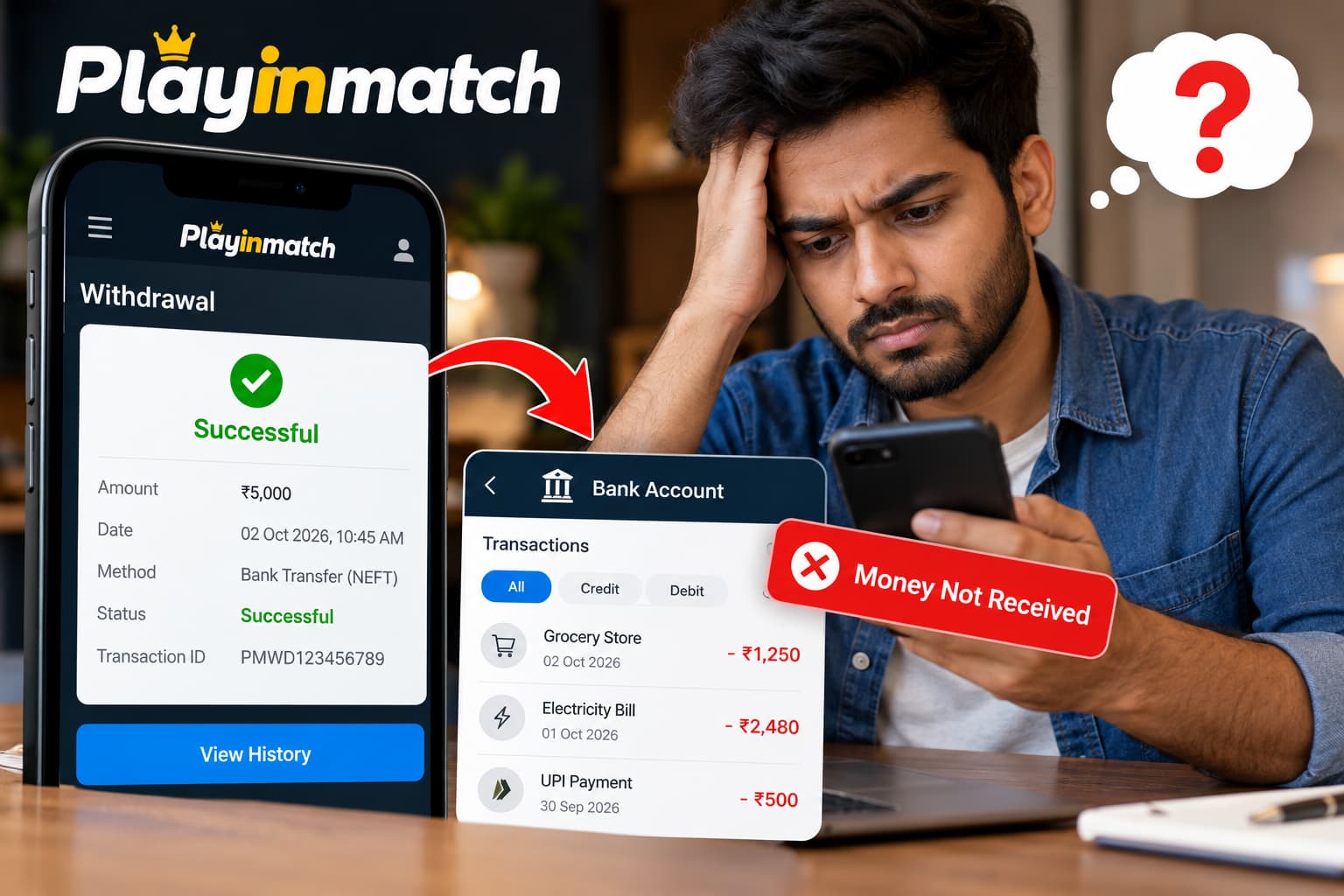
Seeing a withdrawal marked “Successful” on Playinmatch can be confusing when the money has still not appeared in your bank account or payment method. You may naturally wonder whether something went wrong, whether the transaction is still being processed, or whether you need to contact support.
A successful status does not always mean the money will appear in your account instantly. Depending on the payment method, banking network and processing conditions, there can sometimes be a delay between the withdrawal being completed on the platform and the amount being credited by your bank or payment provider.
If your Playinmatch withdrawal is successful but the money has not been received, this guide explains what to check and what information to prepare before contacting support.
What Does “Withdrawal Successful” Mean on Playinmatch?
When a withdrawal shows as successful or completed, it generally indicates that the withdrawal request has finished processing on the platform’s side.
However, there can still be a short gap before the receiving bank or payment service reflects the transaction.
For example, you might see:
Playinmatch status: Successful
Bank account: Amount not yet credited
This does not automatically mean the money has been lost. The first step should be to verify the transaction details and allow for the normal processing period associated with your selected payment method.
Why Is My Playinmatch Withdrawal Successful but Not Received?
There isn’t always one reason for a delayed credit. Several stages can exist between submitting a withdrawal from your Playinmatch ID and receiving the funds.
1. Bank Processing Delay
Your withdrawal may have been processed successfully by Playinmatch while the receiving bank is still processing the transfer.
Banks and payment networks can experience delays because of transaction volume, maintenance or internal verification.
If the transaction has only recently changed to successful, give the receiving bank reasonable time to update the account.
2. UPI or Payment Network Delay
If a withdrawal uses UPI or another electronic payment network, the platform and bank are not the only systems involved.
Occasionally, a payment can be released successfully but take additional time to reach its destination because of temporary payment-network delays.
Check the UPI-linked account directly rather than relying only on a payment-app notification.
3. Incorrect Bank Details
Always verify the bank information associated with your Playinmatch ID.
Check details such as:
- Account holder name
- Bank account number
- IFSC code
- UPI ID, where applicable
- Selected withdrawal method
Even a small error can cause payment problems.
Avoid repeatedly changing payment details while a transaction is being investigated unless support specifically instructs you to do so.
Check Your Bank Statement Before Reporting the Withdrawal
Don’t rely entirely on SMS messages or mobile notifications.
Open your banking application or check the latest account statement and look at transactions around the date when the withdrawal was marked successful.
Some credits can appear under the name of a payment processor rather than the name you expect.
Compare your balance and transaction history carefully before assuming the withdrawal has not arrived.
Check Your Playinmatch Withdrawal History
Log in to your Playinmatch ID and review the withdrawal or transaction history section.
Look for the relevant transaction and confirm:
- Withdrawal amount
- Request date and time
- Payment method
- Current status
- Transaction or withdrawal ID
- Bank or UPI details displayed
- Any available reference number
Take a screenshot of the transaction details if you need to contact support later.
Don’t Submit the Same Withdrawal Repeatedly
If the original transaction already shows as successful, avoid submitting duplicate requests simply because the money hasn’t appeared yet.
Instead, investigate the completed transaction first.
Multiple transactions can make it more difficult to identify which payment corresponds to which withdrawal request.
How Long Should You Wait?
Processing times depend on the payment method, receiving bank, payment network and the platform’s current withdrawal rules.
Because processing windows can change, check the withdrawal information displayed inside your Playinmatch account rather than relying on an old timeframe from a blog, forum or social-media post.
If the platform’s stated processing period has already passed and the amount is still missing, contact support with the transaction details.
Contact Playinmatch Support
If you have confirmed that the money has not reached your bank account after the stated processing period, contact the official Playinmatch support channel.
Provide all the relevant information in your first message so the transaction can be identified more easily.
Include:
Playinmatch ID: Your registered username or ID
Withdrawal amount: The exact amount requested
Date and time: When the withdrawal was submitted
Withdrawal status: Successful/Completed
Payment method: Bank transfer, UPI or another method
Transaction ID: If available
Bank statement: Evidence that the credit has not appeared
Do not send passwords, OTPs, PINs or other sensitive login credentials to anyone claiming to be support.
Example of a Withdrawal Complaint
You can send a simple message like this:
Hello, my Playinmatch withdrawal is showing as successful, but the amount has not been credited to my bank account.
Playinmatch ID: [Your ID]
Withdrawal amount: [Amount]
Withdrawal date: [Date]
Transaction ID: [Transaction ID]
Payment method: [Bank/UPI]I have checked my bank statement and cannot find the credit. Please check the transaction status and provide the payment reference if available.
Attach only the documentation necessary to investigate the transaction.
Ask for the Payment Reference Number
If support confirms that the withdrawal has been transferred successfully, ask whether they can provide an official payment or bank reference number.
Depending on the payment method, this may be a UTR, transaction reference or another traceable identifier.
You can then provide that reference to your bank and ask whether the incoming transaction can be traced.
This can be particularly helpful when the platform considers the transaction complete but the receiving bank cannot immediately identify the credit.
What If Your Bank Cannot Find the Transaction?
If the bank cannot locate the transfer even after you provide the available reference details, return to official Playinmatch support with the bank’s response.
Keep screenshots or records of your communication.
A useful sequence is:
Check Playinmatch status → Check bank statement → Wait for the stated processing period → Contact Playinmatch support → Obtain reference details → Contact your bank → Follow up with support if unresolved.
This creates a clear record of the steps you have already taken.
What New Playinmatch Users Should Know
If you’re a new user completing Playinmatch Register or creating a new Playinmatch ID, enter your personal and payment information carefully from the beginning.
Before making transactions:
- Check that your registration information is correct.
- Use payment details belonging to you where required.
- Complete any required account verification.
- Read the current deposit and withdrawal conditions.
- Check minimum and maximum withdrawal limits.
- Use only official support channels.
- Keep records of important transactions.
Correct account information can reduce avoidable payment and verification problems later.
Avoid Fake Playinmatch Support Accounts
Payment problems can make users more vulnerable to impersonation scams.
Be cautious if someone contacts you through WhatsApp, Telegram, social media or another messaging platform claiming they can “release” a pending withdrawal in exchange for an additional payment.
Never share your:
- Password
- OTP
- UPI PIN
- Card PIN
- Full banking credentials
- Account recovery codes
Use only support contact information that you can verify through the official platform.
Playinmatch Withdrawal Troubleshooting Checklist
If your withdrawal says successful but you haven’t received the money, work through this checklist:
- Log in to your Playinmatch ID.
- Confirm that the transaction genuinely shows as Successful or Completed.
- Verify the withdrawal amount and payment details.
- Check your bank statement rather than only SMS notifications.
- Check the platform’s current processing timeframe.
- Save the withdrawal or transaction ID.
- Contact official Playinmatch support if the expected timeframe has passed.
- Request a payment reference number when available.
- Ask your bank to trace the transaction using that reference.
- Keep records until the issue is resolved.
Frequently Asked Questions
1. Why does my Playinmatch withdrawal say successful when I haven’t received the money?
A successful platform status and a bank credit do not necessarily occur at exactly the same time. Banking or payment-network processing can sometimes create a delay. Check your transaction history and bank statement first.
2. What should I do if my Playinmatch withdrawal is not credited?
Confirm the transaction status, check your bank account, verify your payment details and compare the elapsed time with the platform’s current processing window. If that period has passed, contact official support.
3. What details should I provide to Playinmatch support?
Provide your Playinmatch ID, withdrawal amount, date, payment method and transaction/reference number. A screenshot of the relevant transaction can also help.
4. Should I create another withdrawal if the first one says successful?
Not simply because the first credit is delayed. Investigate the original transaction before making duplicate requests.
5. Do I need a Playinmatch ID to check withdrawal history?
Account transaction information is normally associated with your registered account. Log in using your own account credentials and check the available transaction or withdrawal history section.
6. What should I check when I register on Playinmatch?
During Playinmatch registration, make sure the personal and payment details you provide are accurate and review the platform’s current verification and transaction requirements.
Final Thoughts
A Playinmatch withdrawal showing successful but not received should be investigated systematically rather than immediately treated as a failed or lost payment.
Start by checking your Playinmatch ID transaction history and bank statement. Verify the payment details and allow the stated processing period to pass. If the money still does not appear, contact official support and request the relevant transaction reference so your bank can investigate the transfer.
Most importantly, keep your account credentials secure throughout the process. Never disclose passwords, OTPs or banking PINs to anyone offering to speed up or unlock a withdrawal.